
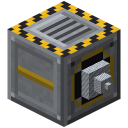
 Quarry
Landmark
Landmarke
Use landmarks to pick your own rectangle: one landmark at the corner, one each in X and Z direction (same height, at most 64 blocks away). Right-click one to connect them (red lines). Then place the quarry right next to …
lt_qu:landmarke
How to get it
Landmark in one step — from:
 Lapis Lazuli
 Glass
Glass Redstone Torch
- Landmark
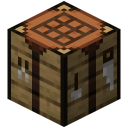 Crafting Table
At a glance
| Mod | Quarry |
|---|---|
| In-game text | Three landmarks (corner + one in X and Z) · mark a rectangle: right-click connects. · Redstone: guide beams 64 blocks |
| Category | Blocks & Decoration |
| Type | Block |
| Stackable | up to 64 |
| Made in | Crafting Table |
| Used in | 1 recipes |
More in the guide: Landmarks
Crafting
Crafting Table3 × 3
1 × LandmarkRequired materials
Glass1 ×Lapis Lazuli1 ×Redstone Torch1 ×Recipe straight from the server — in game /rezepte shows it too.
How to use it
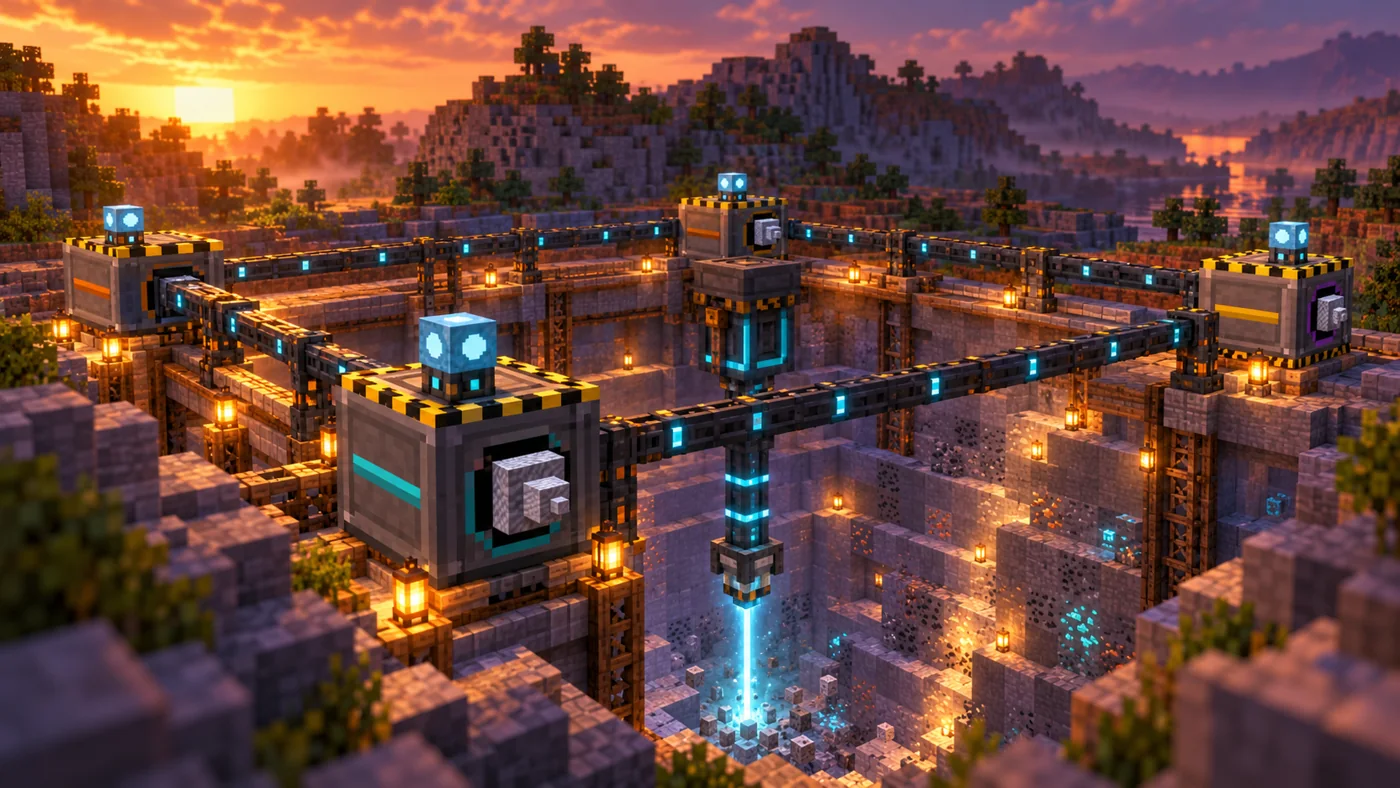
Use landmarks to pick your own rectangle: one landmark at the corner, one each in X and Z direction (same height, at most 64 blocks away). Right-click one to connect them (red lines).
Then place the quarry right next to a landmark – it takes the rectangle and collects the landmarks.
With a redstone signal a landmark shows blue guide beams 64 blocks long – handy for placing the next one in line.
Uses
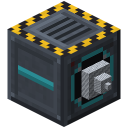 Elite QuarryIn the world
Related items & guides
Help us improve the content.
Thanks! Glad it helped.
Thanks! What was missing? Tell us in the forum.