
Use 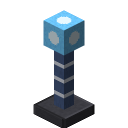 landmarks to pick your own rectangle: one landmark at the corner, one each in X and Z direction (same height, at most 64 blocks away). Right-click one to connect them (red lines).
Then place the quarry right next to a landmark – it takes the rectangle and collects the landmarks.
 Crafting Table3 × 3
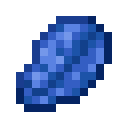
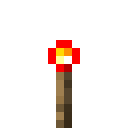 1 × Landmark
Required materials
Glass1 ×Lapis Lazuli1 ×Redstone Torch1 ×With a redstone signal a landmark shows blue guide beams 64 blocks long – handy for placing the next one in line.